
Installing Docker Desktop on Different Drive
We want Docker Desktop itself, plus all its data (images, volumes, models), to live on D:\Docker instead of clogging C:. The first thing you must do is to download the installer (Grab it from here: https://docs.docker.com/desktop/setup/install/windows-install/ )… I’ve placed it in my D drive…
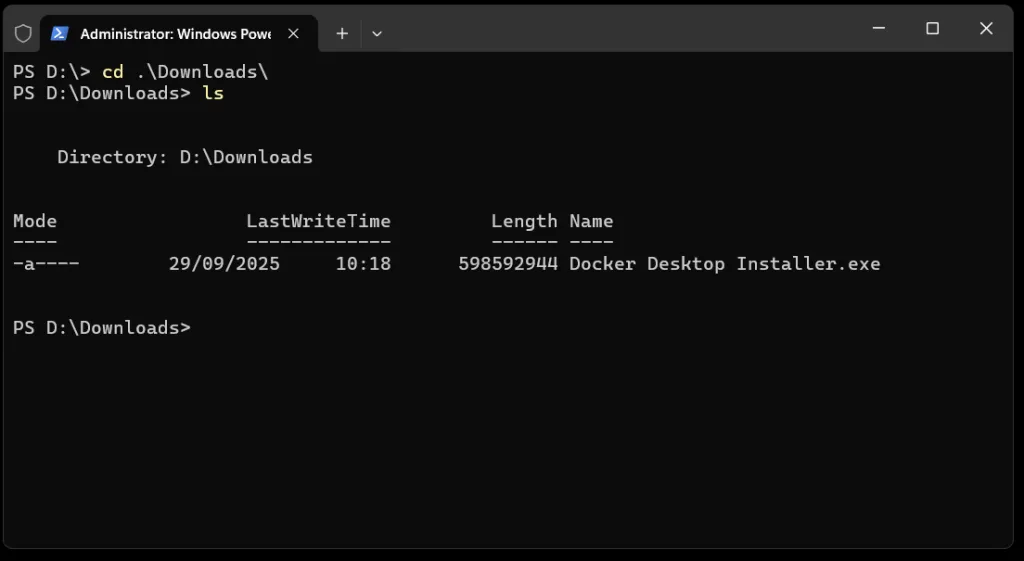
I tried some of the most promising commands but just didn’t work, and, as we cannot rely on any LLM for these kind of experiments, I just tried to get some direct help…
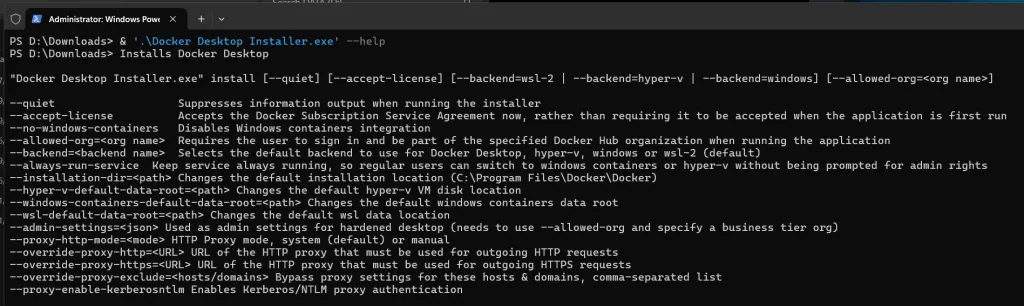
Nice! This is exactly what we were looking for… Here we have very interesting params:
-
--installation-dir→ where Docker Desktop binaries go. -
--wsl-default-data-root→ all Linux backend images, volumes, Model Runner data. -
--hyper-v-default-data-root→ I included this one “just in case” we switch backends (something quite unlikely). -
--quiet --accept-licensemake the install unattended.
So, now, we have two options…
Option 1 -> Using Start-Process (PowerShell)
Open PowerShell as Administrator in the folder where the installer is (in my case D:\Downloads) and run:
Start-Process -Wait -FilePath ".\Docker Desktop Installer.exe" -ArgumentList @(
    "install",
    "--quiet",
    "--accept-license",
    "--backend=wsl-2",
    "--installation-dir=D:\Docker\Program",
    "--wsl-default-data-root=D:\Docker\wsl",
    "--hyper-v-default-data-root=D:\Docker\hyperv",
    "--windows-containers-default-data-root=D:\Docker\windows"
) -Verb RunAs
Option 2 — Direct launch (command line)
If you prefer a single command without Start-Process, just run:
.\Docker Desktop Installer.exe install --quiet --accept-license --backend=wsl-2 `
  --installation-dir=D:\Docker\Program `
  --wsl-default-data-root=D:\Docker\wsl `
  --hyper-v-default-data-root=D:\Docker\hyperv `
  --windows-containers-default-data-root=D:\Docker\windows
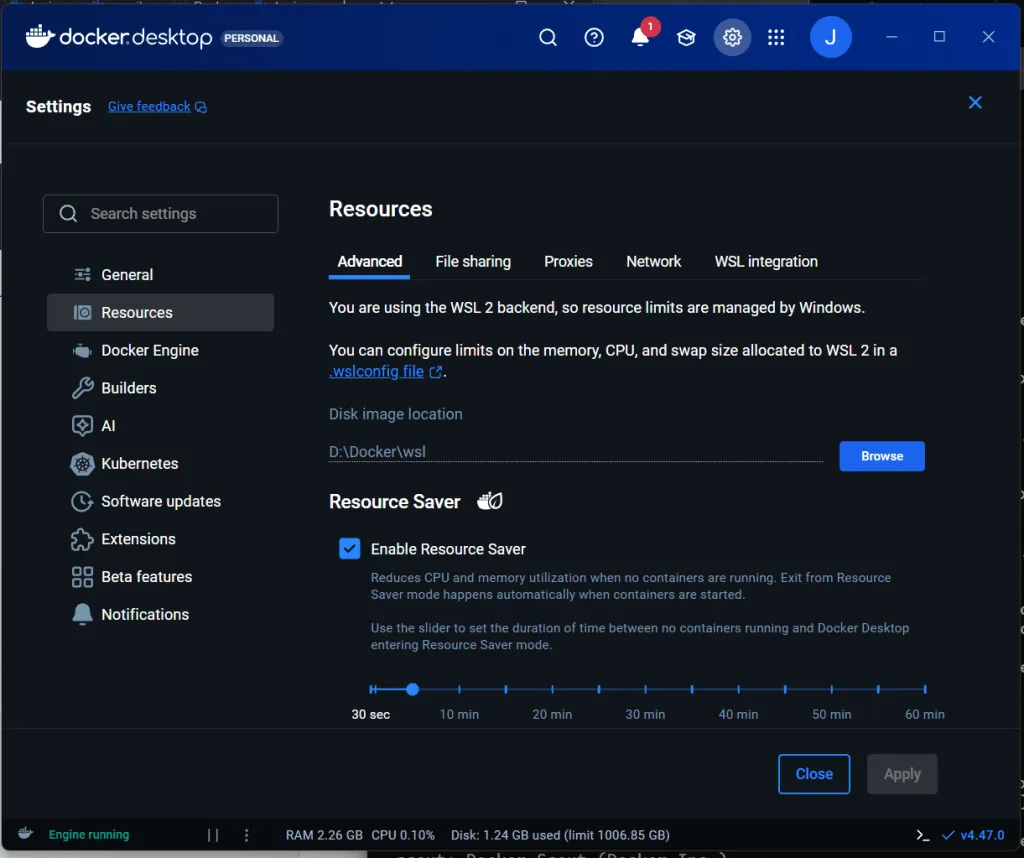
After installation, if run docker info you will see that cli plugins still are under C:\Program Files\Docker but all the other stuff will life inside the provided path…
Check that Docker Root Dir points to D:\Docker\wsl\….
This is a recurrent problem, so, if you found this useful, please, ñleave a comment and share it.